What EXIF Data Can Reveal About You
EXIF (Exchangeable Image File Format) is metadata embedded in every JPEG, TIFF, and RAW photo file. It was designed to help cameras and software exchange information. But it also creates a detailed fingerprint of every photo you take:
| Data Field | What It Reveals | Risk Level |
|---|---|---|
| GPS Coordinates | Exact latitude, longitude, and altitude where the photo was taken — down to a few meters | Critical |
| Date and Time | Precise timestamp including seconds and timezone | High |
| Camera Make & Model | Device manufacturer, model name, sometimes firmware version | Low |
| Serial Number | Unique camera body and lens serial numbers — can be used to link multiple photos to the same device | High |
| Camera Settings | Aperture, shutter speed, ISO, focal length, flash mode, exposure compensation | Low |
| Software | Which editing software was used, including version number | Low |
| Thumbnail | An embedded preview image — may show the original photo before cropping or edits | Medium |
| Copyright | Owner name and usage terms (if set in-camera) | Low |
This Has Actually Happened
These are documented cases — not hypotheticals. I did not personally experience any of these (thankfully), but each one is a real news story from the last few years.
Home address leaked from listing photos
In 2023, a seller on Facebook Marketplace posted photos of their apartment taken with GPS enabled. A buyer extracted the coordinates from the EXIF data and showed up unannounced. The seller had not shared their address in the listing.
Celebrity location doxxing
Multiple celebrities have had their home addresses or current locations revealed by fans extracting GPS data from photos posted on social media. Twitter/X, Instagram, and Reddit strip EXIF on upload — but direct file hosting services, forums, and email do not.
Stolen camera tracked via serial number
A photographer had their camera stolen and later found photos taken with it posted online. The camera's serial number in the EXIF data matched their stolen equipment, leading police to recover it. In this case EXIF helped — but the same data can be used to identify a photographer who wishes to remain anonymous.
Which Platforms Strip EXIF Automatically?
| Platform | Strips EXIF? | Notes |
|---|---|---|
| Twitter / X | Yes | Strips all metadata on upload |
| Yes | Strips all metadata during processing | |
| Yes | Strips but may keep date/time | |
| Yes | Strips on upload | |
| Imgur | Yes | Strips EXIF, keeps basic image metadata |
| Discord | No | Files uploaded to Discord retain EXIF |
| Partial | Strips GPS but may keep other fields | |
| Telegram | No | Sends files as-is, EXIF intact |
| Email attachments | No | Full EXIF preserved — strip before attaching |
| Your own website | No | Unless your CMS strips it, EXIF stays |
My rule: never rely on the platform to protect your privacy. Social media apps strip EXIF because their legal teams insist on it. But Discord, Telegram, email, forums, and your own website send your files raw. Strip it yourself every time. It takes five seconds and there is no downside.
How to Check What EXIF Your Photo Contains
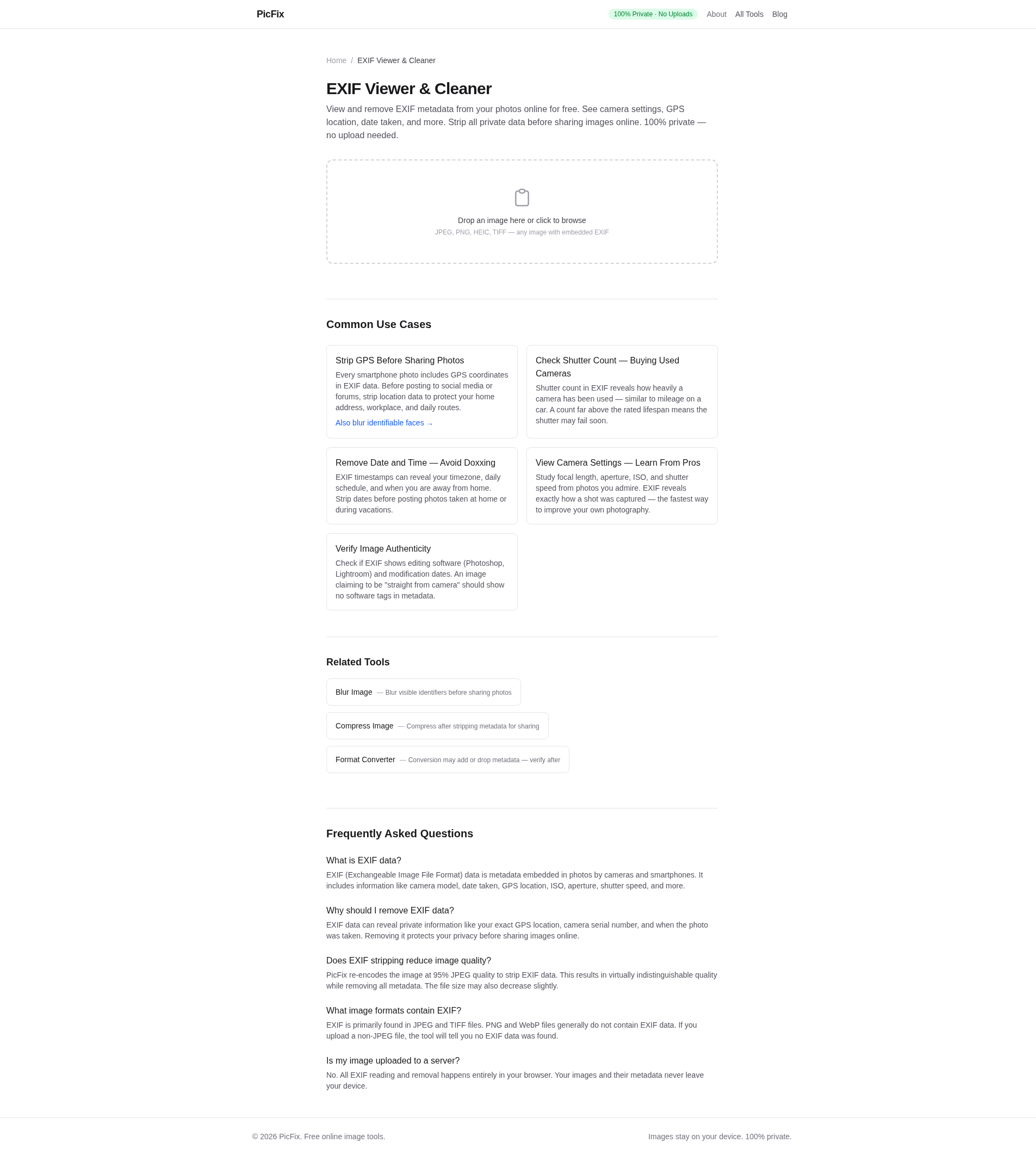
Before stripping, it helps to know what is there. Use PicFix's free EXIF viewer:
- Drop your photo onto the tool
- See every EXIF tag in a readable table — GPS coordinates, camera model, timestamp, everything
- If GPS coordinates are present, click to open them in Google Maps to see exactly what location is revealed
- Click "Strip EXIF" to download a metadata-free copy
All processing stays in your browser — the photo is never uploaded to a server. This is important because uploading to an online EXIF viewer defeats the purpose of privacy.
What EXIF Data You Might Want to Keep
Not all EXIF data is bad. Some fields are useful and harmless:
- Copyright and credit info — lets people know who owns the image and how to attribute it.
- ICC color profile — ensures colors display correctly across devices. Never strip this.
- Image orientation — tells viewers which way to rotate the image. If stripped, photos may display sideways.
- Camera settings — if you are a photography educator sharing examples, keeping aperture/ISO/shutter speed is helpful to your audience.
The safest approach: strip everything except the ICC profile and orientation. Add back copyright info if you want attribution. Strip GPS, timestamps, and serial numbers unconditionally.
Check your photos now
Drop a photo into PicFix's EXIF tool and see exactly what hidden data it carries. Strip it with one click — all in your browser, never uploaded to a server. Your privacy is the point.